If you play online games, you may have heard about xResolver. Many gamers talk about it in chats, videos, and forums. Some say it is helpful. Others say it is risky. So what is the truth?
Think about this. You are playing on Xbox or PlayStation Network. You meet new players every day. But do you know what information others can see about you? This is where tools like XResolver come into the picture.
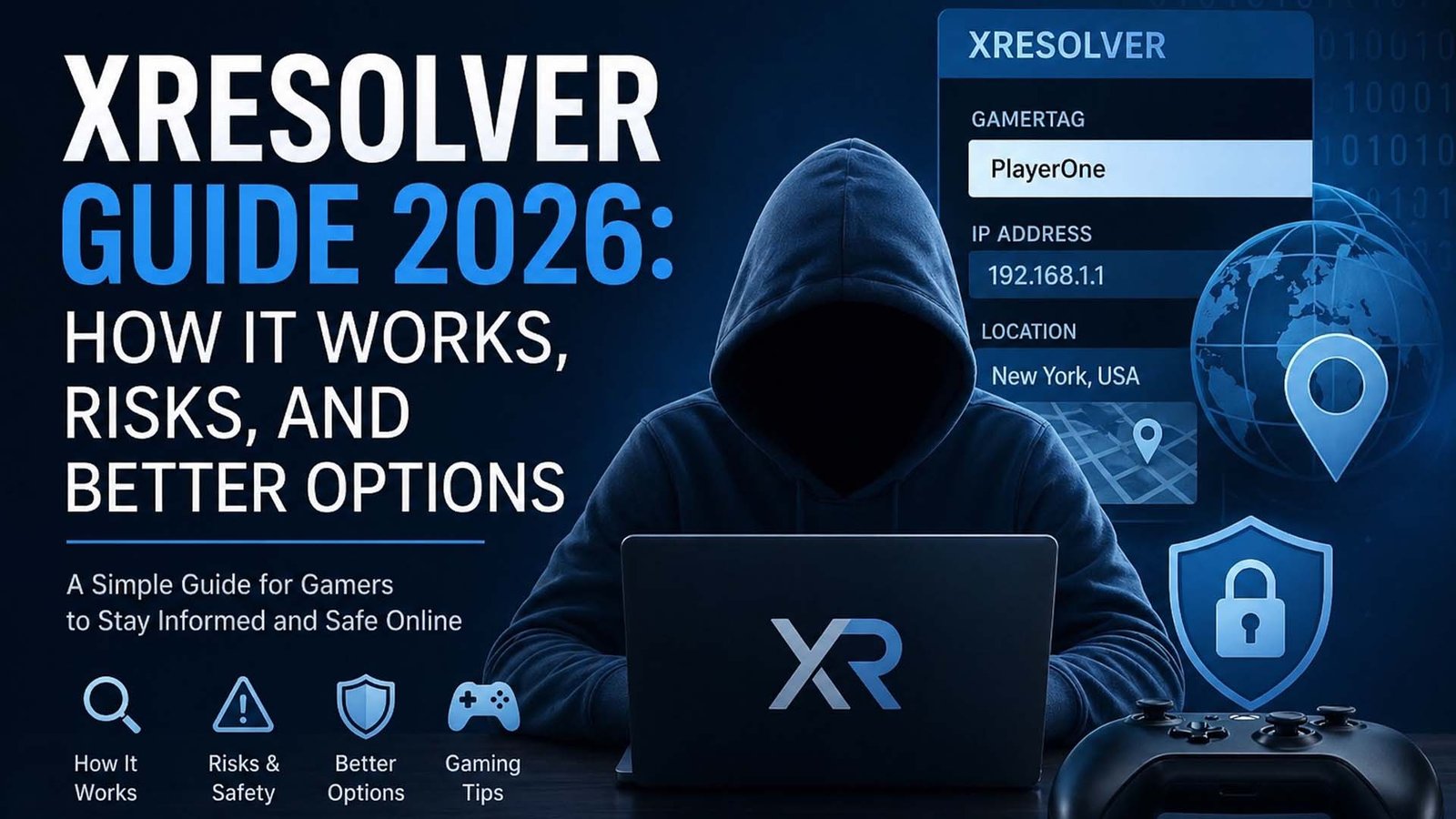
In simple words, XResolver is a tool that connects a gamer’s name with their internet details. It can show things like IP address and location. This sounds interesting, right? But it also brings some big questions about safety.
In this guide, we will explain everything in very easy words. You will learn what XResolver is, how it works, what it shows, and why people use it. We will also talk about its features and how to use it step by step.
By the end, you will clearly understand XResolver and how it fits into online gaming in 2026. Let’s start from the basics.
What Is XResolver?
XResolver is a simple online tool. You do not need to download anything. You just open the website and use it. That is why people call it a web-based tool.
Its main job is to show the connection between a gamer’s name and their IP address. A gamer name is also called a gamertag. So, when you enter a gamertag, XResolver tries to find the IP linked to it.
It can also show the user’s rough location. This is not always exact, but it gives an idea of where the player might be. This is done using something called Geo IP lookup.
Many people see XResolver as a public database. It stores information about gamers and their network details. Some people like this idea, but others feel it is not safe.
So, XResolver is not just a normal tool. It is a tool that can be helpful or risky, depending on how someone uses it.
How XResolver Works
Now let’s understand how XResolver works in a simple way. Imagine a big list where names are connected to numbers. In this case, names are gamertags and numbers are IP addresses.
XResolver collects data and stores it in its system. It uses many bots to gather this data. These bots scan and collect network details from different places.
Once the data is collected, it is saved in a large database. When you search for a gamertag, the tool checks its database and shows the result if it finds a match.
This means the tool does not magically find new data every time. It mostly shows data that is already stored. That is why sometimes it works fast, and sometimes it shows nothing.
It also collects other small details like connection type, device info, and general location. All of this helps build a bigger picture of a gamer’s online presence.
What information does it show
XResolver can show different types of information. The most common one is the IP address. This is like a digital home address for your internet connection.
It also shows the gamertag or username. This helps link the IP address to a real gaming account. That is why many gamers are concerned about their privacy.
Another thing it shows is location. This is not exact like your house address. It is usually a general area, like a city or region.
Sometimes, it may also show network details. This can include the type of connection or basic system data. These details may not look important, but they can still be used in different ways.
So, even though the data looks simple, it can still affect your privacy. That is why it is important to understand what is being shared.
Main Features of XResolver
XResolver comes with several features that make it popular among gamers. One main feature is the resolver tool. It lets you search for IP using a gamertag.
Another feature is Geo IP lookup. This helps show the location linked to an IP address. It gives a rough idea of where the user might be.
There is also an IP logger feature. This allows users to create a special link. When someone clicks that link, their IP address can be captured. This is one of the most talked-about features.
XResolver also has a blacklist option. This helps users remove their data from the database. It is useful for people who want more privacy.
There are also premium features. These include unlimited searches, more storage, and access to more detailed data. These features are paid and give more control to the user.
How to Use XResolver (Easy Steps)
Using XResolver is very simple. You do not need any special skills. Anyone can use it by following a few easy steps.
First, go to the official XResolver website. Once the page opens, you will see options for different platforms like Xbox and PlayStation.
Next, choose the option that matches your platform. For example, if you play on Xbox, click on Xbox Resolver. This will open the search section.
Now, enter the gamertag or IP address in the box. After that, click on the “Resolve” button. The tool will search its database and show the result if available.
That’s it. The process is quick and simple. But always remember, just because something is easy to use does not mean it is always safe.
How to Remove Your Data (Blacklist Guide)
Many users feel worried after learning about XResolver. They want to remove their data from the system. This is where the blacklist feature becomes useful.
Blacklisting means removing your IP address, gamertag, and related data from the database. It helps protect your privacy and reduces the risk of being tracked.
To start, you need to open the XResolver website. Then find the option called “Remove Data.” This will take you to the blacklist section.
After that, you will need to enter your details. This may include your gamertag and IP address. Make sure you enter the correct information.
In most cases, you will need to pay a small fee. You can use card or other payment methods. Once the payment is done, your data will be removed.
This process is simple, but not free. That is why many users look for other ways to stay safe.Why Gamers Use XResolver
Many gamers use xResolver because they are curious. When you play online, you meet many people. Some players want to know more about others, like where they are from or how they are connected to the game.
Some gamers also use XResolver to understand their own data. They want to check if their IP address is visible online. This helps them learn if their account is safe or if their data is already stored in a public database.
Another reason is competition. In some games, players try to track connections to understand lag or slow gameplay. They think knowing IP details can help them understand what is happening during matches.
There are also users who think it helps them stay safe. They believe that if they understand how tools like XResolver work, they can better protect themselves from others who may try to misuse such tools.
But it is very important to remember one thing. Not all users have good intentions. That is why understanding both sides is very important before using such tools.
Risks You Should Know
Even though XResolver looks simple, it comes with risks. The biggest risk is privacy. Your IP address is like your online home address. If someone gets it, they may try to track or bother you.
Another risk is data exposure. Many players do not even know their data is stored in such tools. This can feel unsafe because your information is shared without your full control.
There is also the risk of misuse. Some people use tools like XResolver in the wrong way. They may try to annoy or target other players. This can make online gaming less fun and more stressful.
In some cases, players may face attacks like DDoS. This means someone tries to overload your internet connection. It can slow down your game or even disconnect you.
So, while the tool may look helpful, it is important to understand these risks clearly before using it.
Is XResolver Safe or Legal?
This is a very common question. Is XResolver safe? The answer is not simple. It depends on how it is used.
If someone uses XResolver just to learn or check their own data, it may not be harmful. But if someone uses it to track or harm others, it becomes a problem.
Safety is also a concern. Since the tool deals with network data, it can expose private details. This is why many people feel unsure about using it.
When it comes to legal issues, it depends on your country and how you use the tool. Some actions may be allowed, while others may not be.
So, the best advice is to be careful. Just because a tool is available online does not always mean it is safe to use freely.
Simple Tips to Stay Safe
Staying safe online is very important. The first tip is simple. Do not share your gamertag with strangers. This can reduce the chance of someone finding your data.
Another helpful tip is to use a VPN. A VPN hides your real IP address. This makes it harder for anyone to track your location or connection.
You can also change your gamertag from time to time. This makes it harder for others to connect your old data with your new account.
Be careful with links. Do not click on unknown links sent by strangers. Some links may be used to collect your IP address without you knowing.
Finally, always think before you share anything online. A little care can keep your gaming experience safe and fun.
Best XResolver Alternatives
General Idea
- Some users look for alternatives when XResolver does not work
- These tools offer similar features
- They may work in different ways or on different devices
Lanc Remastered
- Free to use
- Works on many devices
- Supports both online and offline use
- Flexible and easy for different users
OctoSniff
- Offers a free trial
- Has paid plans for full features
- Supports many gaming systems
- Known for simple setup and easy use
Xbox Booter
- Designed mainly for Xbox users
- Can be used with VPN for better results
- Focused on gaming-related network tools
Pros and Cons of xResolver
Pros (Good Points)
- Easy to use — no setup or download needed
- Works online — open the site and start quickly
- Fast results — shows data in seconds
- Helps users check their own dataCan raise awareness about online privacy
Cons (Bad Points)
- Privacy risk — your IP and data may be exposed
- Can be misused by others for harmful actions
- May lead to stress or bad gaming experience
- Not fully safe for all users
- Blacklist feature requires payment
- Data may be stored without full user control
Final Thoughts
XResolver is a powerful but sensitive tool. It can help users understand how online data works. But at the same time, it can create privacy risks if not used carefully.
If you are a gamer, your safety should always come first. Always protect your gamertag, your IP address, and your personal details.
Tools like XResolver show us how important online privacy is in today’s world. They remind us to stay aware and careful while playing games.
In the end, the best choice is simple. Stay informed, stay safe, and enjoy your gaming without worry.
(FAQs)
What is XResolver used for?
XResolver is used to connect a gamertag with an IP address. It helps users see basic network details linked to gaming accounts.
Is XResolver free to use?
Yes, basic use is free. But some features like blacklisting or premium access may require payment.
Can XResolver really show IP addresses?
Yes, it can show IP addresses if the data is already in its database. It does not always find new data.
How can I remove my data from XResolver?
You can use the blacklist option. This usually requires entering your details and paying a small fee.
Is XResolver safe for gamers?
It depends on how it is used. It can be risky if used by people with bad intentions.
Are there better alternatives to XResolver?
Yes, tools like Lanc Remastered, OctoSniff, and Xbox Booter are often used as alternatives.
Don’t miss these:
What Is My Katy Cloud? A Simple Guide for Students and Parents (2026)
iMac Pro i7 4K Explained: Features, Speed, and Real Value in 2026





 Biography8 months ago
 News7 months ago
 Blog4 months ago
 Biography8 months ago