Have you ever opened a website on your laptop and thought, “Wow, this looks perfect,” but when you checked the same site on your phone, everything looked broken? The text felt too small, the images did not fit, and buttons were hard to tap. This happens more often than you think.
The reason is simple. Many websites are still made using fixed pixel sizes. These designs work well on one screen but fail on others. Today, people use phones, tablets, laptops, and even smart TVs. So one fixed design is no longer enough for everyone.
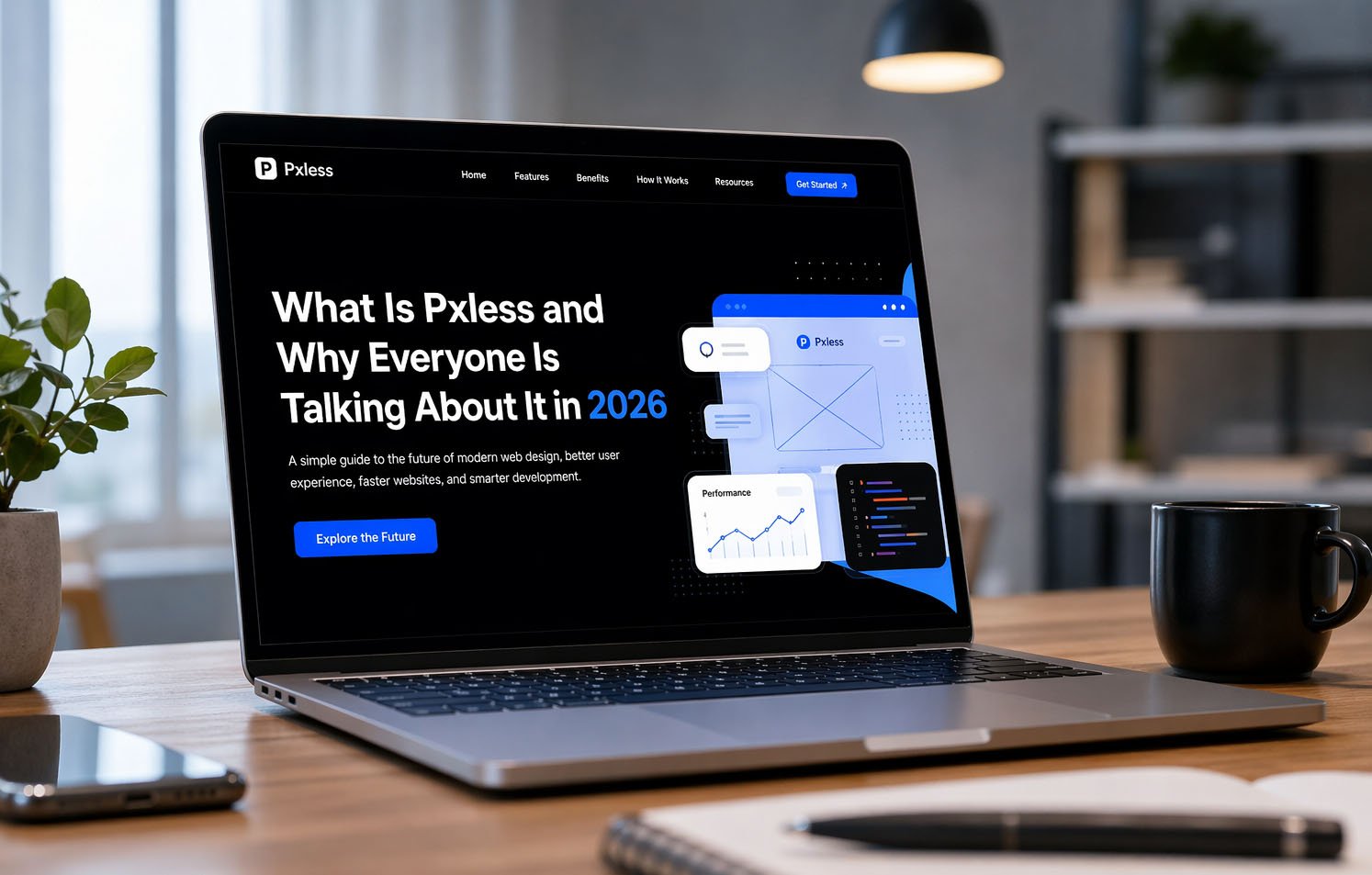
This is where Pxless comes in. Pxless is a new and smart way of designing websites. It helps layouts adjust smoothly on every screen without breaking. Instead of forcing the design to stay fixed, Pxless lets it move and fit naturally.
In this article, we will explain everything about Pxless. You will learn what Pxless means, why it matters in 2026, and how it works step by step. By the end, you will clearly understand why everyone is talking about Pxless today.
What Is Pxless?
Let’s keep it very simple. Pxless means designing websites without depending too much on fixed pixel sizes. The word comes from two parts: “px,” which means pixels, and “less,” which means using less of them.
In older designs, everything had a fixed size. For example, text could be 16px, a box could be 300px wide, and spacing could be 20px. This worked before, but now screens are very different, so these fixed sizes do not work well anymore.
With Pxless, designers use flexible units instead of fixed ones. These include %, rem, em, vw, and vh. These units help the design grow or shrink based on the screen size. So the layout looks good on both small and large screens.
Think of Pxless like water. Water takes the shape of any container. If the container is small, it fits. If it is big, it spreads out. Pxless works the same way. It adjusts to any screen size smoothly.
Why Websites Break With Fixed Pixels
Let’s understand why many websites still break today. In the past, most people used desktop computers. Screen sizes were almost the same, so designers used fixed pixels, and everything looked fine.
But now, people use many different devices. A website that looks perfect on a laptop may look messy on a phone. Text can become too small, images may go outside the screen, and buttons can be hard to press.
Have you ever had to zoom in just to read something on a website? That is a clear sign of pixel-based design. It does not adjust to your screen, so you have to fix it yourself by zooming or scrolling.
Another problem is when users change settings like text size or zoom. Fixed layouts often break when this happens. Content can overlap or disappear. This creates a bad experience and makes users leave the site quickly.
Why Pxless Is Important in 2026
In 2026, the way people use the internet has changed a lot. People switch between devices all the time. You might start reading something on your phone and finish it later on your laptop.
Because of this, websites must work well on every screen. Pxless makes this possible. It creates one flexible design that works everywhere without needing many changes.
Another reason Pxless is important is user comfort. People want websites that are easy to read and use. If a site feels hard to use, they leave quickly. Pxless helps make everything smooth and easy.
Also, new devices are coming every year. We now have foldable phones, smart screens, and wearable devices. Pxless helps websites stay ready for the future because it can adjust to any new screen size easily.
How Pxless Design Works
Now let’s understand how Pxless actually works. The idea is very simple. Instead of fixing everything with exact numbers, you allow the design to adjust itself based on the screen size.
For example, instead of saying a box must be 300 pixels wide, Pxless says it should take a part of the screen, like 50%. This way, the box becomes smaller on a phone and bigger on a laptop automatically.
Pxless also uses something called the viewport. This means the visible area of the screen. Elements adjust based on this space, so the layout always fits properly.
Another great thing is that Pxless works even when users zoom in or change settings. The design stays clean and readable. It does not break like fixed pixel layouts. This makes it more flexible and user-friendly.
Units Used in Pxless Design
Pxless design uses special units that can change based on the screen size or text size. These units help create flexible and smooth layouts.
One common unit is percentage (%). It allows elements to take a part of the screen. For example, 50% means half of the container, no matter the screen size.
Another unit is rem. It is based on the main text size of the page. This makes text easy to scale when users change their settings. There is also em, which works based on the parent element size.
Viewport units like vw and vh are also important. They depend on the screen size. For example, 50vw means half of the screen width. There are also tools like clamp(), min(), and max() that help keep sizes balanced across devices.
Tools Used in Pxless Design
To build Pxless designs, developers use modern tools that make layouts flexible and easy to manage. One of the most important tools is CSS Flexbox.
Flexbox helps arrange items in rows or columns. It allows elements to move and adjust based on available space. For example, items can wrap to the next line when the screen becomes smaller.
Another powerful tool is CSS Grid. It is used for more complex layouts. Grid allows designers to create rows and columns that can change size easily. This keeps the layout clean and organized.
There are also media queries, which help adjust designs for special cases. New tools like container queries allow elements to respond to their container size instead of the full screen. These tools make Pxless design even more powerful.
Simple Examples of Pxless Design
Let’s look at some simple examples to understand Pxless better. Imagine reading a blog. With Pxless, the text size changes based on your screen, so it is always easy to read.
Images also behave better in Pxless design. Instead of breaking the layout, they adjust to fit the screen. For example, using max-width: 100% makes sure images never overflow.
Buttons are another example. In Pxless, buttons are not fixed in size. They grow or shrink based on content and screen size. This makes them easy to tap on mobile devices.
Think about an online store. On a phone, products stack in one column. On a laptop, they appear in a grid. Pxless allows this change to happen smoothly without extra effort.
Pxless vs Pixel Design vs Responsive Design
Now let’s compare Pxless with older design methods. Pixel design uses fixed sizes. Everything stays the same no matter what screen you use. This often causes problems on different devices.
Responsive design improved this by using breakpoints. For example, the layout changes at certain screen sizes. This works better, but it still depends on fixed points.
Pxless goes one step further. It removes the need for fixed sizes and breakpoints as much as possible. Instead of jumping between layouts, it adjusts smoothly across all screen sizes.
Think of it like this. Pixel design is rigid, responsive design is adjustable, and Pxless is fully flexible. This makes Pxless the best choice for modern websites.
Benefits of Pxless Design
One big benefit of Pxless design is that it works well on every screen. Whether someone uses a small phone or a large screen, the layout adjusts smoothly. The design does not break. It stays clean and easy to use.
Another strong benefit is better user comfort. Text is easy to read. Spacing feels balanced. Buttons are easy to tap. Users do not need to zoom or struggle. Everything feels simple and natural while using the website.
Pxless also saves time for developers. They do not need to fix layouts again and again for different screens. One flexible design can work for many devices. This makes work faster and easier to manage.
It also helps with speed and performance. Flexible layouts often use cleaner code. This can make websites load faster. Fast websites keep users happy and help them stay longer on the page.
Finally, Pxless is future-ready. New devices keep coming every year. With Pxless, you do not need to rebuild your design again. It can adjust to new screen sizes easily without major changes.
How Pxless Improves User Experience
User experience means how easy and comfortable a website feels. Pxless improves this in a very simple way. It makes everything easier to see, read, and use on any screen size.
For example, text becomes easier to read because it grows or shrinks based on the screen. On a phone, it stays clear. On a large screen, it looks balanced. Users do not feel tired while reading.
Spacing also feels better. When text grows, spacing grows too. This keeps the layout clean and not crowded. Everything feels open and easy to understand.
Buttons and links are also easier to use. On small screens, they stay big enough to tap. On large screens, they look neat and well placed. This helps users move around the site easily.
All of this keeps users happy. When people feel comfortable, they stay longer, read more, and explore more pages. This is very important for any website.
How Pxless Helps SEO and Speed
In 2026, SEO is not only about keywords. It is also about how users feel when they visit your website. Pxless helps improve this in many simple ways.
First, Pxless makes websites mobile-friendly. Most users now browse on phones. If your website works well on mobile, search engines like it more. This helps your site rank better.
Second, Pxless helps with speed. Flexible layouts often use less heavy code. This can make pages load faster. Fast websites reduce bounce rate and keep users engaged.
Third, better user experience means better SEO. When users stay longer, click more, and read more, search engines see your site as helpful. This improves your ranking over time.
So even though Pxless is not a direct SEO tool, it supports all the things that help SEO, like speed, usability, and engagement.
Common Problems and Mistakes
When starting with Pxless, some people make simple mistakes. One common mistake is mixing fixed pixels and flexible units in the wrong way. This can break the layout instead of fixing it.
Another mistake is only changing text but not layout. If text grows but the container stays small, things can overlap. This makes the design look messy and hard to read.
Some people also forget to test their design. A layout may look good on one screen but not on another. It is very important to check your design on different devices.
Another issue is poor planning. Pxless still needs structure. Without planning, layouts can feel uneven or confusing. Balance and simple design rules are still important.
These problems are easy to fix with practice. Once you understand the basics, Pxless becomes simple and very powerful.
How to Start Using Pxless
Starting with Pxless is easier than you think. You do not need to change everything at once. You can begin step by step and improve slowly.
First, look at your current design. Find places where you used fixed pixels. Replace them with flexible units like %, rem, or em. This is the first step toward a flexible layout.
Next, use tools like Flexbox and Grid. These tools help you build layouts that adjust automatically. They save time and make your design stronger.
Then, focus on text and spacing. Use rem and clamp() to make text flexible. Make sure spacing also adjusts with text so the layout stays clean.
Finally, test your design. Open it on your phone, laptop, and tablet. Try zooming in and out. See how it behaves. Keep improving until it feels smooth and natural.
Does Pxless Mean No Pixels at All
This is a common question. Many people think Pxless means removing pixels completely. But that is not true.
Pxless means reducing the use of pixels, not removing them fully. Pixels can still be useful for small details like borders, icons, or thin lines.
The main idea is to not depend on pixels for layout, spacing, and text. These parts should be flexible so the design can adjust easily.
Think of it like cooking. You do not remove salt completely. You just use the right amount. Pxless follows the same idea.
So you can still use pixels where needed. Just do not rely on them for everything.
Future of Pxless Design
The future of Pxless design looks very strong. The web is changing fast, and new devices are coming every year.
We now have foldable phones, smart screens, and wearable devices. These devices have different screen sizes. Pxless helps designs adjust to all of them easily.
Modern tools and frameworks are also supporting Pxless. This makes it easier for developers to use flexible design in real projects.
There is also a rise in smart design systems and AI tools. These tools work better with flexible layouts like Pxless. They can adjust designs automatically based on user behavior.
In the coming years, Pxless may become the normal way of designing websites. It is not just a trend. It is the future of web design.
Final Thoughts
Pxless is a simple but powerful idea. It helps websites become flexible, smooth, and easy to use on any device.
Instead of designing for one screen, Pxless helps you design for everyone. It improves user experience, supports SEO, and prepares your website for the future.
The best part is that you can start small. Replace fixed pixels step by step. Test your design and improve slowly.
(FAQs)
What is Pxless in simple words?
Pxless means designing websites without depending too much on fixed pixel sizes. It uses flexible units so the layout can adjust to different screens easily.
Why is Pxless important in 2026?
People use many devices today. Pxless helps websites work smoothly on all of them. It makes design easy to use and future-ready.
Is Pxless better than pixel design?
Yes, in most cases. Pixel design is fixed and can break. Pxless is flexible and works better on all screen sizes.
Does Pxless replace responsive design?
No, it improves it. Responsive design uses breakpoints, while Pxless allows smooth and natural scaling without sudden changes.
Can Pxless improve website speed?
Yes. Pxless often uses cleaner code, which can make websites faster and smoother.
Is Pxless good for SEO?
Yes. It improves mobile experience, speed, and user engagement. These factors help improve search rankings.
Do I need to stop using pixels completely?
No. You can still use pixels for small details. Pxless is about reducing dependency, not removing pixels fully.
Don’t miss these:
Eila Rose Duncan: What We Know About Anna Gunn’s Youngest Daughter
What Is Ksözcü and Why Is Everyone Talking About It Today





 Biography6 months ago
 News6 months ago
 Blog3 months ago
 Biography6 months ago